Print Six 35 × 45 mm Photos on a 10 × 15 cm Sheet
Arrange six 35 × 45 mm photos on 10 × 15 cm paper. Download a 300 ppi sample and check the print scale before cutting.
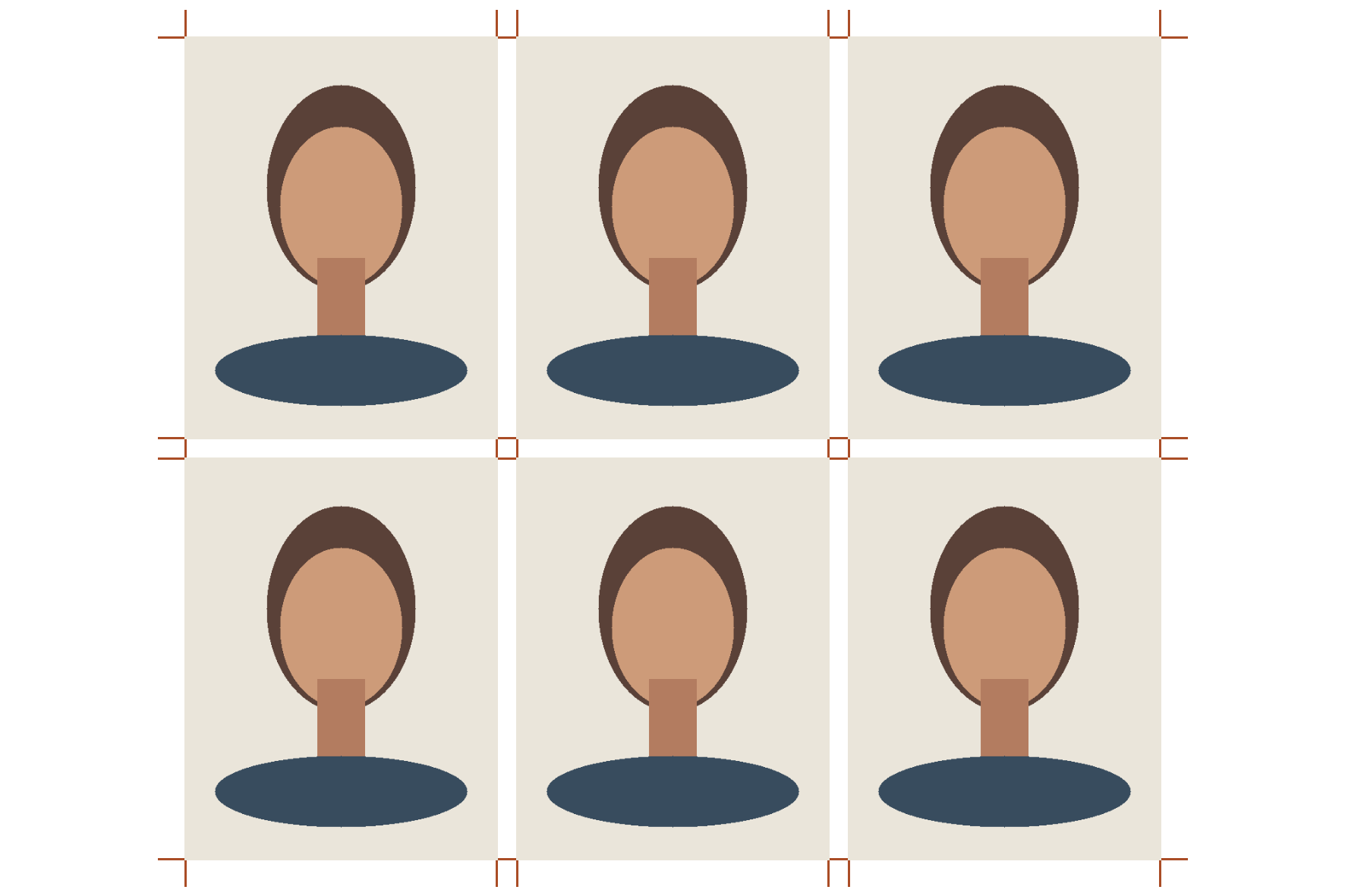
To print 35 × 45 mm photos on a 10 × 15 cm sheet, set the finished photo size and paper size separately. Easy Photo Layout fits six portrait photos on this metric sheet, three across and two down, with a 3 mm minimum margin and 2 mm gaps. The sheet itself is landscape.
Choose metric paper even if your printer also lists 4 × 6
A 10 × 15 cm sheet measures 100 × 150 mm. A 4 × 6 inch sheet measures 101.6 × 152.4 mm. Check the package or measure a sheet if the printer offers both names. If you switch paper, generate a fresh layout using the matching paper setting.
The 35 × 45 mm setting is the finished size of each portrait. Use it when it matches the dimensions requested for your application. The tool lays out your existing photo on the page, so check the original framing before loading it.
Make a six-photo sheet from one image
- Open the layout tool and choose your photo.
- Set Photo size (finished size) to 35 × 45 mm and Print sheet (paper size) to 10 × 15 cm (100 × 150 mm).
- Leave Sheet direction on Most copies (auto). Set Margin (mm) to 3 and Gap (mm) to 2.
- Choose Lay out my photo. Look for a wide sheet with two rows of three upright portraits.
- Select Download PNG (300 ppi). To compare layouts, use the download link below the example image on this page.
The example PNG measures 1772 × 1181 pixels at 300 ppi. The layout is centered, so the outer white space can exceed the minimum margin.
Print one sheet and measure a photo
Set the print dialog to 100 × 150 mm paper, landscape, and actual size or 100% scale. Turn off fit-to-page scaling. Some borderless settings enlarge the image to cover the paper edges, so check the print preview for cropped marks or edges.
On the first sheet, use a ruler to check that one photo is 35 mm wide and 45 mm tall before cutting the rest. If the result differs, check the paper size and scaling in the print dialog even if the PNG looks correct on screen. The sample verifies the digital layout. The ruler check verifies the physical print.